Sample WebP images for testing, free and CC0
WebP is Google's image format for the web, with lossy and lossless compression and an alpha channel. Current browsers display it, but plenty of server-side image libraries and upload validators still reject it.
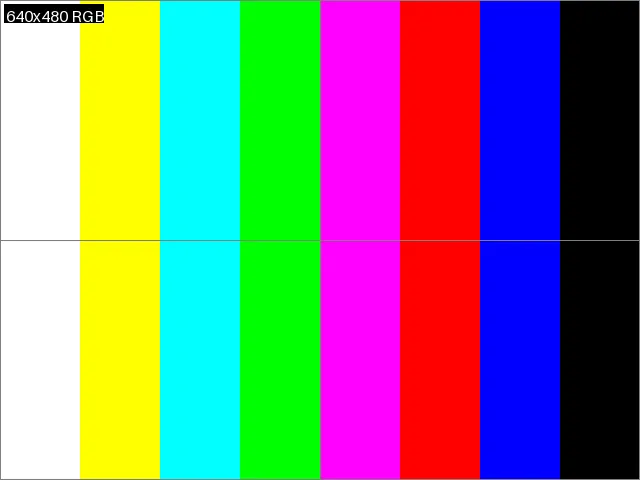
webp/lossy-640x480.webp is the loremfile colour-bar test card saved as lossy WebP at
quality 80. Because the same card exists as PNG and JPEG, you can compare sizes and decoded
output across formats.
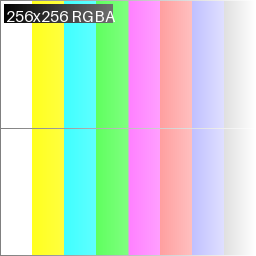
webp/alpha-256x256.webp is a lossless WebP with an alpha ramp, the case that breaks
converters which drop transparency or flatten it onto black. Lossless WebP uses a different
bitstream from lossy WebP, so a decoder that handles one does not necessarily handle the
other.
Use them to test image upload forms, thumbnailers, CDNs that convert formats, and code that
must recognise the RIFF header with a WEBP form type. Related formats: PNG,
JPEG and AVIF.
| File | Size | Properties | Description |
|---|---|---|---|
alpha-256x256.webp
|
1.2 KB (1,168 bytes) | 256x256 | A lossless WebP with an alpha ramp.
Snippets |
lossy-640x480.webp
|
2.8 KB (2,834 bytes) | 640x480 | A colour-bar test card with a border, centre cross and a label giving the dimensions and mode, saved as lossy WebP at quality 80.
Snippets |
Every WebP file in one command, each checked against its hash: npx loremfile get --format webp, or loremfile get --format webp after pip install loremfile.
Related formats
File names follow the naming grammar. Verify a download against sha256sums.txt.