Sample GIF images for testing, free and CC0
GIF is the oldest image format still in everyday use, mostly for animation. Two files cover the cases that matter.
gif/1x1.gif is a single-pixel GIF, the smallest useful image of the format. It is the
classic shape of tracking pixels and spacer images, and a good edge case for thumbnailers and
image validators that assume a minimum size.
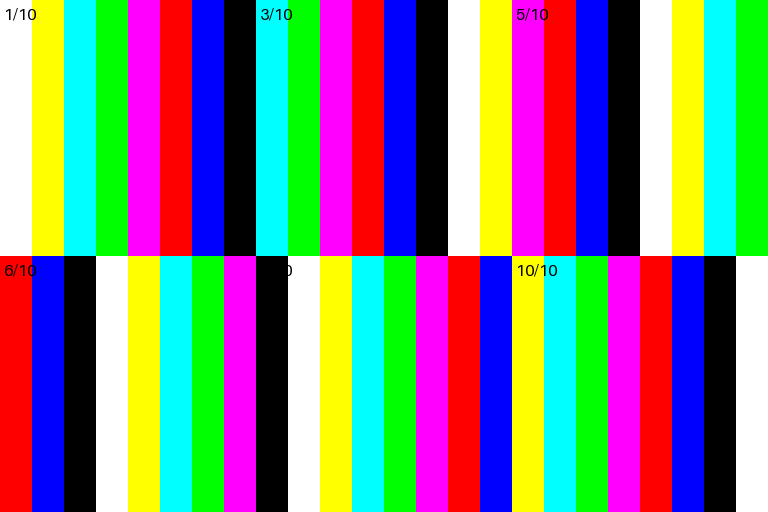
gif/animated-10frames-256x256.gif is a 256x256 animation of ten frames at 100 milliseconds
each, looping continuously. Use it to check that an upload pipeline keeps every frame instead of
flattening the image to its first one, that a resize step preserves the animation, and that a
preview shows motion. GIF images use a palette of at most 256 colours, so the file also
reveals colour quantisation problems in converters.
For an animated image in a newer format, see the animated PNG on the PNG page; for compact still images, see WebP.
| File | Size | Properties | Description |
|---|---|---|---|
1x1.gif
|
43 B | 1x1 | A single-pixel GIF: the smallest useful image of this format.
Snippets |
animated-10frames-256x256.gif
|
37.5 KB (37,550 bytes) | 256x256, 10 frames | An animated GIF of 10 frames at 100 ms, looping forever.
Snippets |

Every GIF file in one command, each checked against its hash: npx loremfile get --format gif, or loremfile get --format gif after pip install loremfile.
Related formats
File names follow the naming grammar. Verify a download against sha256sums.txt.